Cigati PST Splitter Tool

PST File Splitter Software is an outstanding tool to split the large PST files into smaller PSTs to make them manageable and shareable.

(Average Rating 4.9 Based on 2992 Reviews)

Benefits of

Cigati PST Splitter Tool

  • Split a large PST file of all sizes into various small PST files.
  • Break multiple PST files in bulk in a single go.
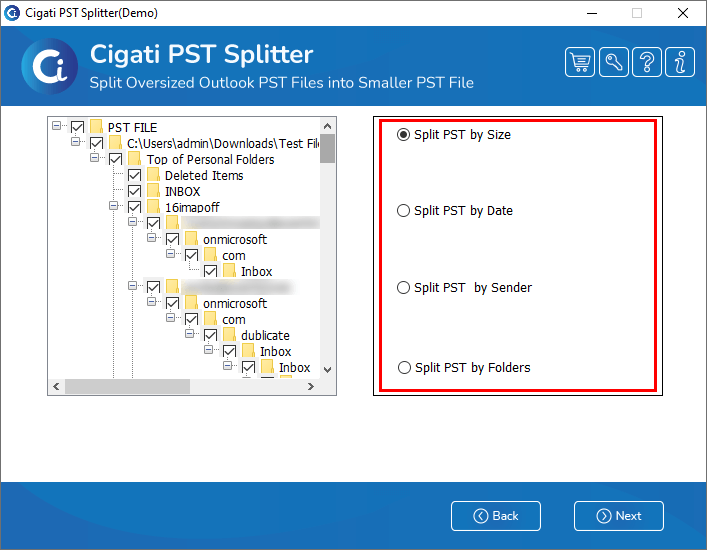
  • Split PST files based on Size, Date, Sender's Name, & Folder.
  • Remove duplicate emails from the PST file while splitting them.
  • Option to lock and unlock PST files after splitting.
  • Saves the resultant PST files at the user-defined locations.
  • All the split PST files are saved separately at the desired location.
  • No data is lost or affected during the split process.
  • MS Outlook installation is not required to run the Split PST Tool.
  • Supports the split of all types of PST files, whether ANSI or Unicode
benefit-img

Exclusive Features

PST Split Tool

Split or Break PST Files

Split or Break PST Files

Outlook PST Splitter Tool is an instant and reliable solution to split or break oversized PST files into smaller PST files. It breaks the PST files, including emails, contacts, tasks, contacts, tasks, calendars, and other files using different parameters based on size, date, folder, and sender’s name.

Split Multiple PST Files at Once

Split Multiple PST Files at Once

PST Split Tool allows users to add single or multiple PST files and split them in a single go. Users don’t have to add the PST file again and again to split it. All the PST files can be added to the software at once for splitting. No data is lost during the splitting process.

Different Parameters to Split PST

Different Parameters to Split PST

Outlook PST Splitter Tool splits the PST file based on different parameters. The software divides the PST files based on size, date, sender’s email ID, and folder. Any user can use this software and split a PST file because of its user-oriented and simple interface.

Split PST based on Size

Split PST based on Size

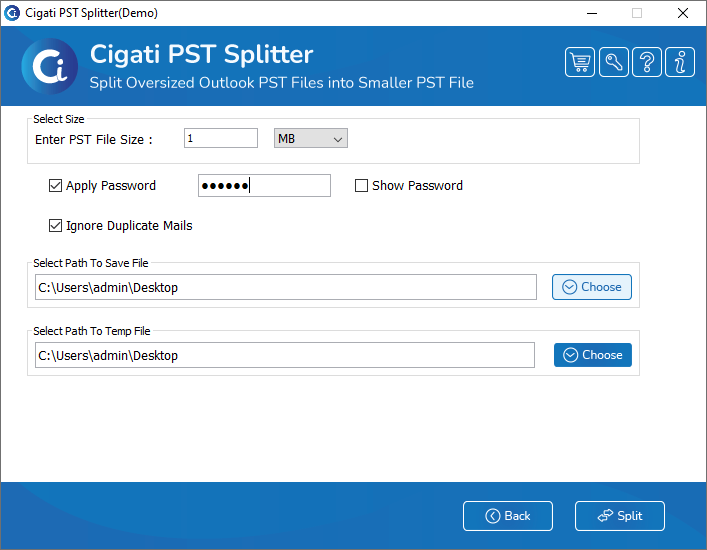
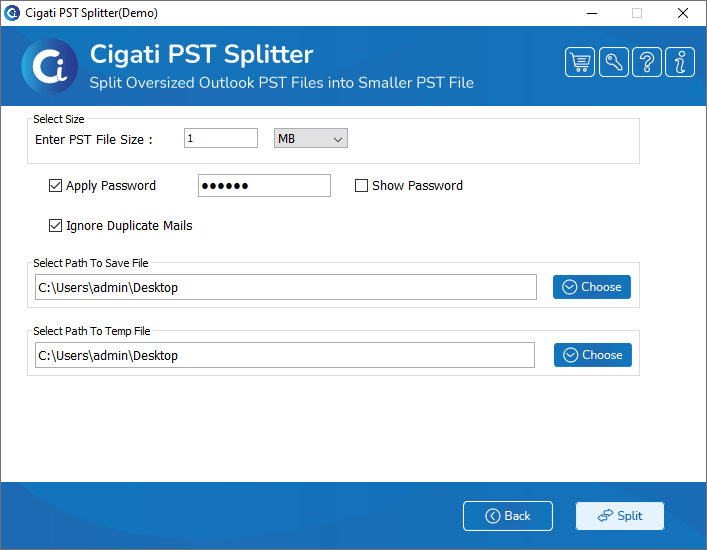
This software guides the users to split the file size at the time of splitting the selected PST files. This utility also provides the size criteria in megabytes and gigabytes. Users can choose either MB or GB and enter the size to split the PST files.

Add Password to PST Files

Add Password to PST Files

Cigati PST Splitter offers a unique feature to apply a password to the resultant PST file. Users can opt for the option to apply a password and protect their PST file from unwanted access. They only have to enter the password to set on the output PST files.

Save Split PSTs at Preferred Locations

Save Split PSTs at Preferred Locations

Apart from splitting, the PST Split Tool also allows users to save the resultant file at their desired location. They can also split the PST files based on different parameters such as size, date, sender’s email, and folder. Users can save a split PST at any location.

Remove Duplicate Items

Remove Duplicate Items

PST File Splitter Tool allows users to delete the unwanted duplicate emails from the splitting process. This highly advanced feature helps users to split the original emails and ignore the duplicate emails of the selected PST files. This will help to get rid of confusion among similar emails.

Split Outlook PST Files by Folder

Split Outlook PST Files by Folder

This software allows users to create a single PST file, or users can also separate the PST file for the selected folder. Besides this, the software offers various features to split or break the PST files without altering any data. It will create different PST files for different folders while saving the split PSTs.

Simple GUI & 100% Compatibility

Simple GUI & 100% Compatibility

PST Splitter has a very simple and user-friendly interface. No user will need any technical expertise to run the software. On the other hand, it is compatible with all the versions of Windows, including Windows 11.

Free PST Splitter Tool

Free PST Splitter Tool

Users can now download the PST Splitter Free version and evaluate the software by splitting 50 PST emails for free. However, users have to purchase the full version of the Cigati PST Splitter Tool for extensive splitting.

Technical Specification

Software Prerequisites & Recommendations

Software Name: Cigati PST Splitter Tool
Version Support: Windows 10 and its below version
Size: 305 MB
Version: 25.05
License: S/A/T/E
Download Link: Download
box
processor-img

Processor:

Hard Disk:

Memory:

Operating System:

trial-img

Trial limitation:

Cigati PST Splitter tool is an innovative solution to split large Outlook PST files without Outlook. The utility has a demo version to evaluate the software's functionality and understand all the features of the paid tool. However, you can only split or break the first 50 emails per folder. So upgrade to the premium software to split large PST files without restrictions.

faq-img

FAQ:

💡: Note: For optimal Outlook performance and to prevent PST file corruption, keep your PST files within the recommended size limits:
  • Outlook 2003 & earlier (.ANSI PST): 1.5–2 GB
  • Outlook 2007–2013: 10–15 GB
  • Outlook 2016–2021 & Microsoft 365: 20–25 GB

Staying within these limits ensures faster loading, smoother performance, and reduced data loss risks.

Comprasion Table

Table of Free And Paid Version

Outlook PST Splitter Tool Free vs. Paid Versions

Software Features Free Version Full Version
Split Single/Multiple PST Files. Extract the first 50 emails per folder All
Save Splitted PST Files into Smaller PST 50 Emails
Divide PST Files based on Size, Date, Sender Name, & Folder. 50 Emails
Generates Individual PST Files
Add protection to the Output of PST Files
Ignore Duplicate Mail Feature
Creates a Single/Separate PST File
Download and Purchase Download Purchase

FAQ

Frequently Asked Questions

You can follow the steps given below to Split an oversized PST file:

  • Download and install the Outlook PST Splitter software.
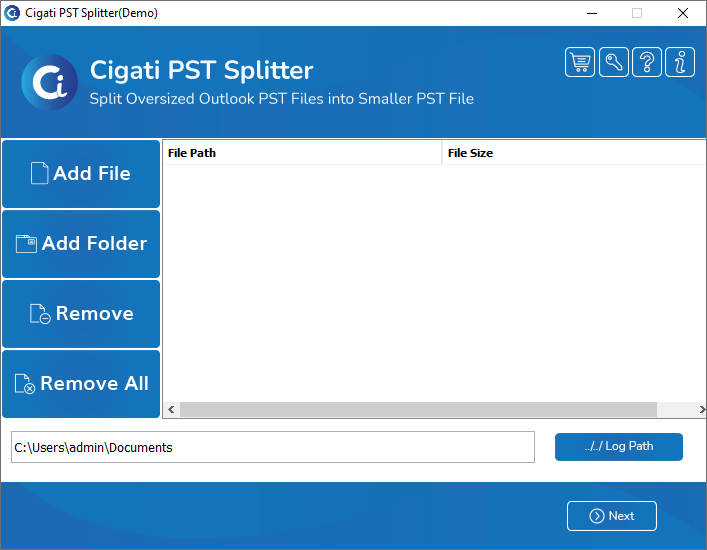
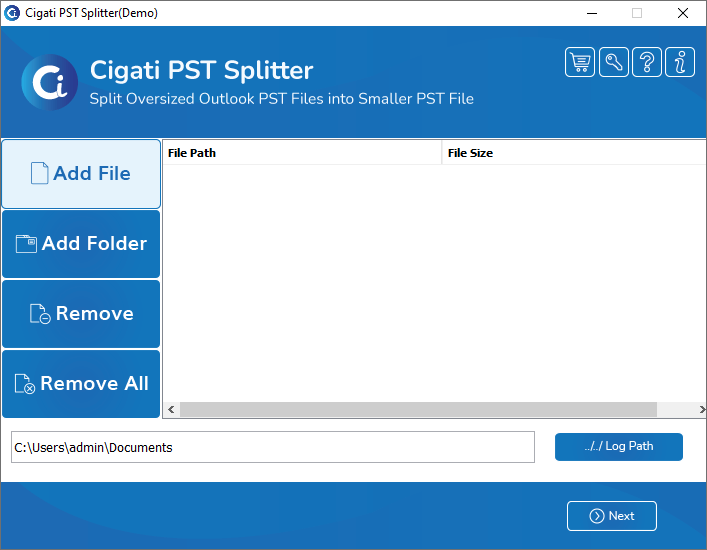
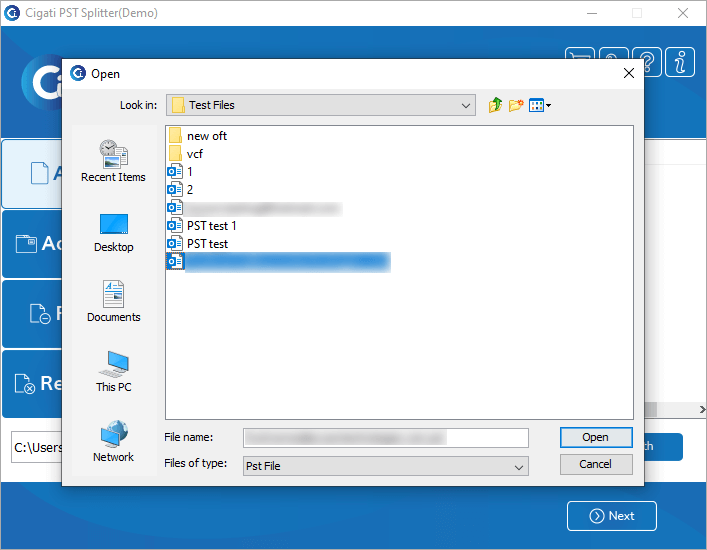
  • Click the Add file button and select the PST file you need to split.
  • Now, click on the Next button to move further.
  • Check the folders and choose the option for splitting the PST file. Click on Next.
  • Opt for the Required features of the tool.
  • Set a Path to save the PST files using the Path to save button.
  • Finally, click on the Split button to execute the process.

Yes. Yes, one can easily split any type of PST files, whether created by Outlook Express on Windows or MS Outlook. The Software supports both versions of PST files that are ANSI and Unicode.

Yes. No, this tool is specially developed for Windows OS & doesn’t support any other operating system apart from Microsoft Windows. You can download the Mac version of this software to split a PST file on a Mac.

The tool splits the large PST file based on date. So once all the files are saved, you can quickly locate a particular PST file.

You can check the functionality and performance of the software by downloading the demo version. You can easily preview and split the first 50 files for free.

You can split a PST file of 20 GB or even more by using the Cigati PST Splitter Tool. You can easily split the 20GB PST based on size or other parameters into smaller PST files.

Yes. The free version has all the features that the paid version has. The only difference is that you can only split 50 emails from your PST files. To split all your PST file data, you have to purchase the full version.

Yes. The PST Splitter Software stores the log and temp files at the default locations on your PC.
  • For Log file - C:\Users\this pc\Documents
  • For temp file - C:\Users\THISPC~1\AppData\Local\Temp\ You can also save both the files to your desired location by clicking on the Browse button

Client Review

A Glimpse into Client Experiences

Thousands of satisfied customers have chosen our software and praised its reliability and performance. They have shared positive stories about how the Split PST Tool Software has helped them manage their data efficiently.

I have used the PST Split Tool to split Outlook PST data a couple of times. Every time this software has amazed me with its easy-to-use GUI. This is very reliable and effective software for splitting PST files, and no data is affected during the splitting process.

Joseph Williams | Brussels

This is a perfect software to split large PST files into smaller PSTs. It is very simple to use, and I was able to split a PST file of 30 GB. I would like to thank the developers of this software for bringing such a utility to manage my PST files.

Ethan James | USA

My experience with the Cigati PST Splitter Tool is relatively good. I have used the tool to split my Outlook data by dates. The best part of the application is that it lets you split and create multiple PST files according to the year mentioned. So you can easily split and locate your files.

Benjamin | Mexico